Citizen & business services
One entry point to everything the administration issues
A portal residents and organisations actually use, because every service they need is behind the same sign-in.
Why it matters
The same account on every channel
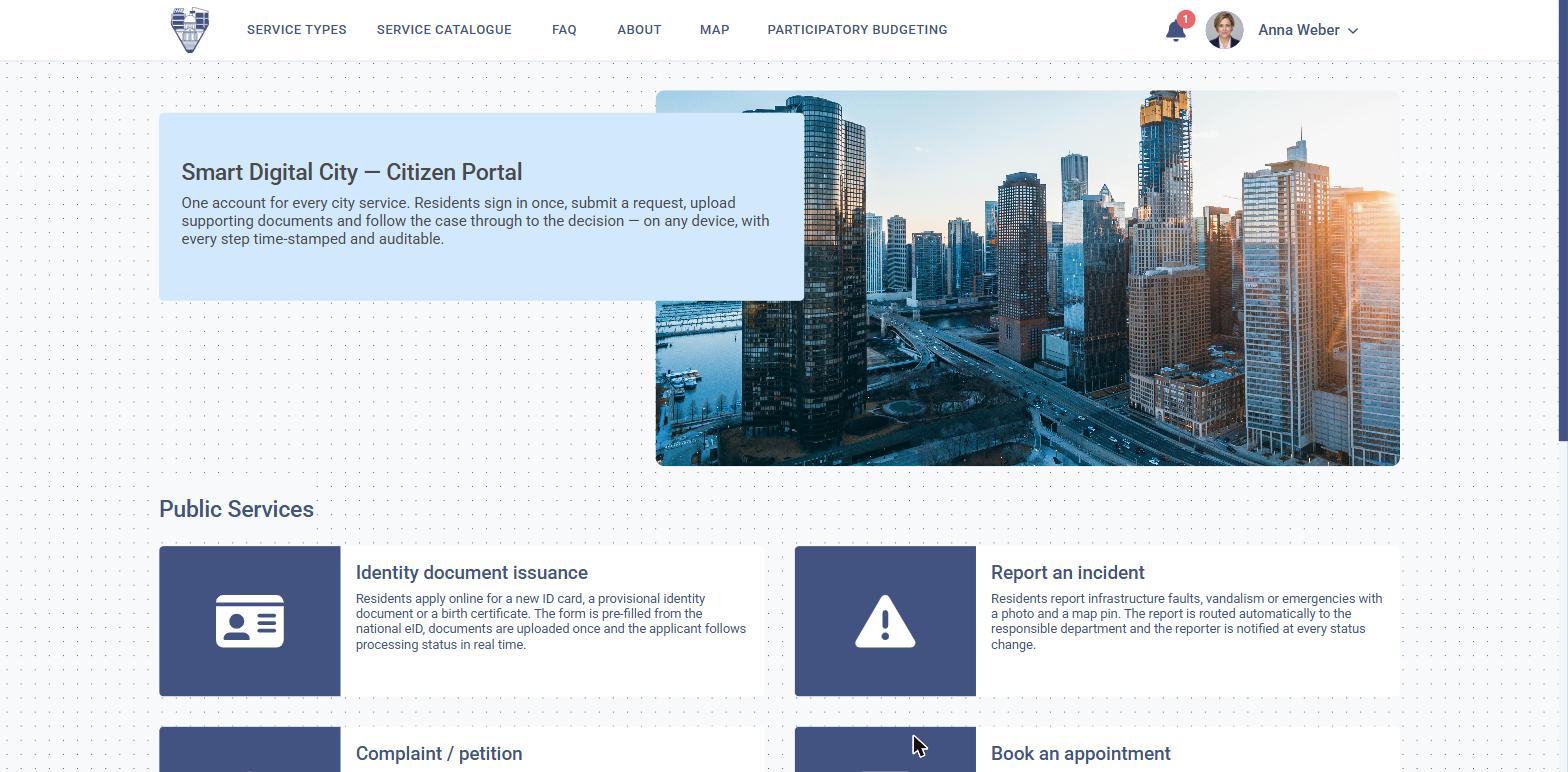
The portal works the same on the web, on a phone and on the self-service kiosk in the building. An applicant signs in once, sees the files they already have open, and starts a new one with their details already filled in.
Web, phone and kiosk
The portal behaves the same way on all three, including the kiosk in the building.
Files already open
An applicant signs in once and sees everything they have in progress.
Details already filled in
A new application starts from what the administration already knows.
What the portal gives an applicant
A working account, not a list of downloadable forms
Everything an applicant needs to start, follow and finish a file.
One identity
National eID, a qualified certificate or a verified account, accepted across every service.
My files
Every application, its stage, its deadline and the officer handling it, in one list.
Documents received
Permits, certificates and decisions arrive signed in the account, not by post.
Payments and receipts
Charges due, paid and outstanding, with the receipt attached to the file.
Notifications
Email, SMS or in-account, when a stage changes or a document is ready.
Representation
An accountant or a lawyer can act for a company or a person, with the mandate recorded.
How it works
A channel onto the platform, not a separate system
The portal has no database of its own — it shows the same records the officer works in.
01
Sign in
Identity is verified once, at the level the service requires — a simple account for information, a qualified identity for a legally binding application.
02
Pick a service
The catalogue shows what this administration offers, with the fee, the documents required and the statutory deadline stated up front.
03
Apply
Known details are pre-filled from the applicant record; the form validates what is missing before it will submit.
04
Follow and receive
The file moves through the responsible departments while the applicant watches the same stages the officer sees.
Outcomes
What changes
Fewer visits, fewer rejected files, one history per applicant.
Fewer counter visits
The application is completed, paid and delivered without one.
Fewer incomplete files
Validation happens before submission, not after a rejection letter.
One history per applicant
Officers stop asking for documents the administration already holds.
Configured per administration
What is configured
- Which services are published, and to residents, organisations or both
- The identity level required per service
- Fees, exemptions and accepted payment methods
- Documents an applicant must attach, and which are optional
- The languages the portal is offered in
- Branding, domain and the accessibility statement
- Notification channels and their wording
- How long files and documents remain visible in the account
Connected to
The rest of the platform
- The administrative data model — a known person or legal entity
- eIDAS identity and qualified electronic signature
- Payment providers and the administration accounts
- Every specialist solution that resolves the requests submitted here
On your own services
See the portal with your catalogue behind it.
We publish a handful of your real services and walk one of them from sign-in to signed document.