Solution area
Services residents and organisations can complete online
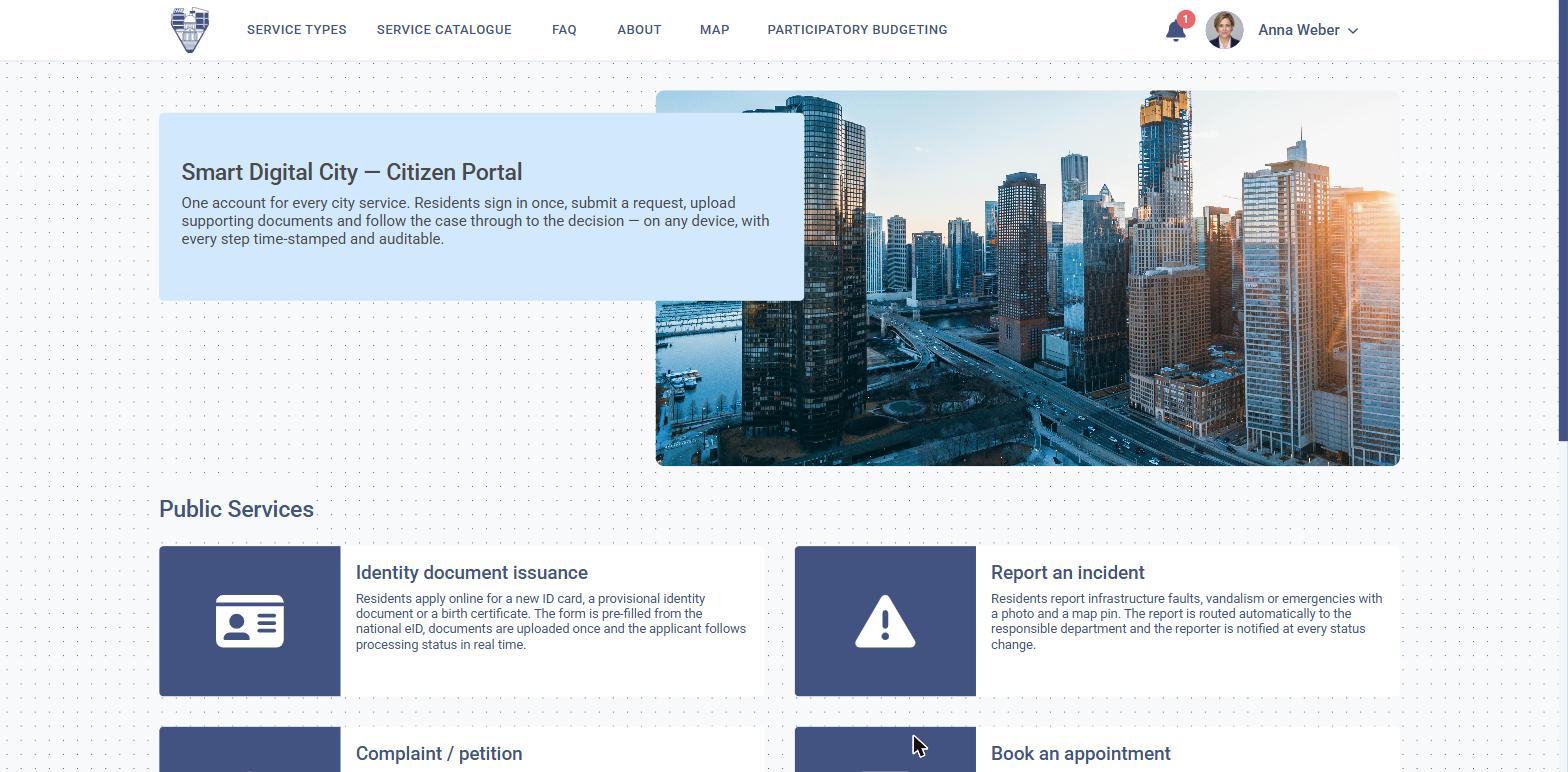
One entry point for every request a public administration receives, connected to the departments that resolve it.
Why it matters
One request, from submission to issued document
Residents and businesses apply, pay, book an appointment and receive the issued document without coming to a counter. Behind each request, the same platform routes the file to the responsible department, keeps the deadline visible and returns the outcome through the channel the applicant chose.
One place to apply and pay
Residents and organisations submit, pay and book an appointment without coming to a counter.
Routing that reaches the right desk
Each request goes to the department that owns it, without being entered a second time.
Deadlines that stay visible
The term runs in the open, and the outcome returns on the channel the applicant chose.
What it covers
Six solutions, one applicant record
They share one identity, one applicant record and one set of deadlines.
01
Citizen portal
The public entry point on web, mobile and self-service kiosk, with the applicant's own file history.
02
Digital public services
Online forms and service catalogues that produce complete, verified applications.
03
Permits & licensing
Planning, building and business permits, from application to issued decision.
04
Appointments & payments
Booked slots, charges and receipts, reconciled with the administration's accounts.
05
Public information & petitions
Information requests, petitions and press enquiries, with statutory deadlines tracked.
06
Participation & engagement
Consultations, participatory budgeting and reported issues, answered publicly.
One path
How a request moves through the administration
The same path applies whether the request is a permit, a payment or a petition.
01
Identify once
The applicant signs in with a national eID, a qualified certificate or a verified account, and their details are reused across every service.
02
Apply with what is required
The form asks only for what is missing, validates it, and refuses to submit an incomplete file — so the department receives work it can start.
03
Route and resolve
The file reaches the responsible department with its deadline, its documents and its history attached.
04
Return the outcome
The decision, permit or certificate is issued digitally, signed, and delivered to the applicant's account.
Outcomes
What changes for the administration
Fewer counter visits, fewer missed terms, and one place where an applicant's history lives.
Complete applications first time
Validation and pre-filled data remove the second visit to the counter.
Deadlines visible before they expire
Statutory terms are counted by the platform, not by a spreadsheet.
One record per applicant
Every file, payment and document for a resident or company sits in one place.
Answered in public where it matters
Petitions, consultations and reported issues close with a published outcome.
Configured, not rebuilt
Each administration decides how each service behaves
- Which services are published, and to whom
- Form fields, required documents and validations
- Who approves, in what order, with which deadline
- Fees, exemptions and payment methods
- The languages the service is offered in
- Templates and signatures for issued documents
- Notifications sent, and through which channel
- The data retained, and for how long
Connected to
The rest of the platform
- The administrative data model — a person or a legal entity, not an account
- National identity and signature services, through eIDAS-compliant integration
- Payment providers and financial operations
- Maps and the property register, where a request concerns a location
On your services
See it on the requests your front desk actually receives.
We take the services with the highest volume and show the full path, from the applicant's screen to the issued document.