Module · Services for residents and businesses
Meetings with officials
Booking, holding and recording meetings with officials.
The module digitises the booking, scheduling and management of the meetings that the institution's representatives grant to residents, companies and other applicants, including internal meetings started directly by staff.
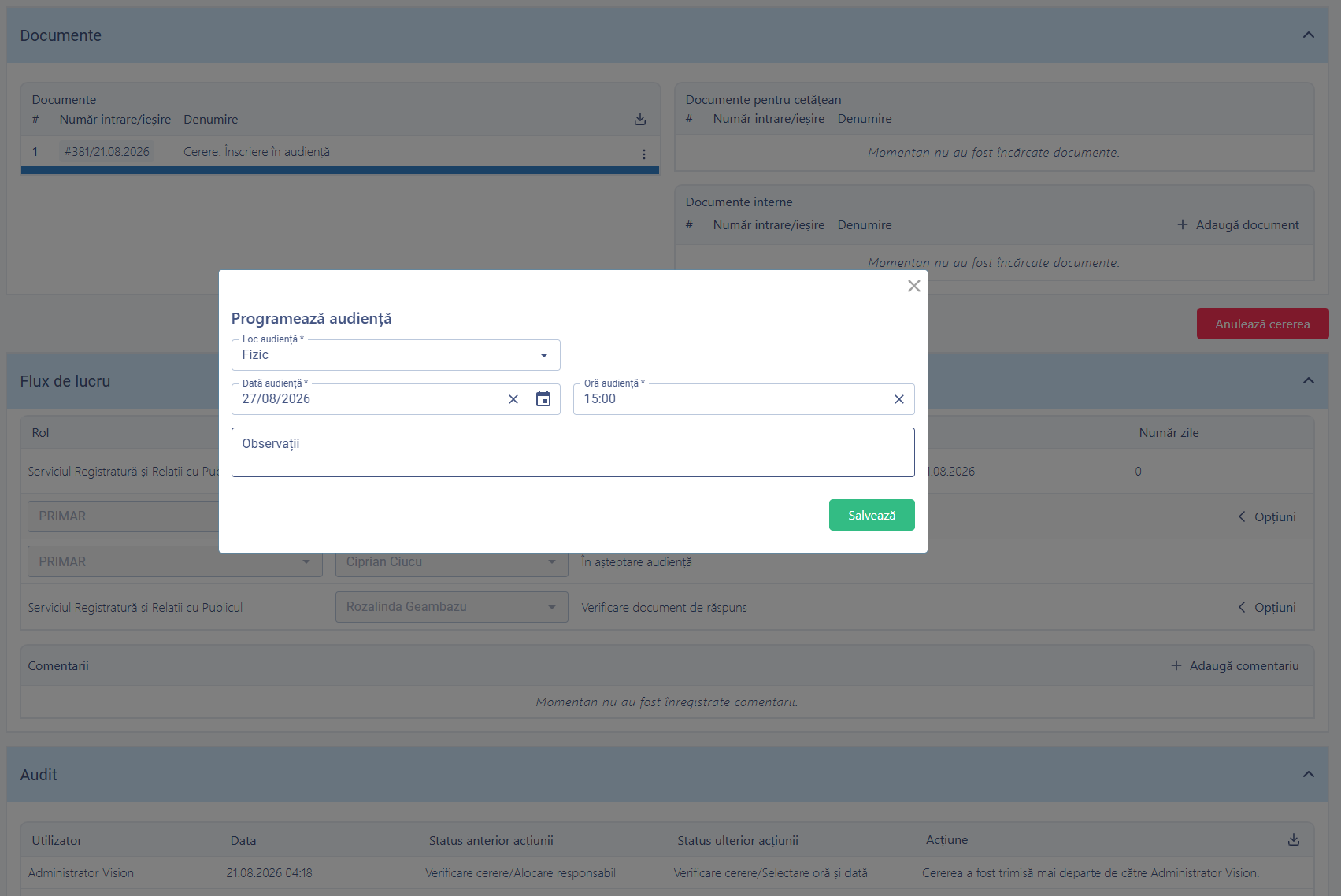
Booking a meeting: department, official and available time slot.
What changes in the department's work
The meeting schedule runs itself: the resident picks a free slot, receives confirmation automatically, and management has a record of what was discussed and what came of it.
What you can do
Booking, holding and following up meetings, in a single circuit.
Booking online or at the counter
With a choice of department, official and time slot.
A calendar of available slots
Generated automatically from the configured meeting schedule.
A wizard-style form
Stages visible on a progress bar, advanced through a dedicated action.
Internal meetings
Started directly by staff, without submission from the public-facing portal.
Linking to existing files
The meeting is linked to other requests, applications or case files in the platform.
Rescheduling with notification
Marked as rescheduled, with the applicant notified automatically.
A record of telephone calls
A distinct entity, with type, status, time slot, priority and owner.
Meeting note and meeting report
Generated in the platform, with multi-signatory electronic signing.
See all features
- Control over the visibility of meetings in users' internal calendars
- Sending the booking confirmation, any changes and the final reply through the platform and by e-mail
- The register of meetings, with booking date, date held, applicant, department, official, subject and status
- The meetings calendar, filterable by user, showing several officials at once
- Reports on meetings booked, held, cancelled and rescheduled
- Reports on the telephone calls recorded
- A department dashboard and an audit export
How it works
From choosing the slot to the outcome communicated, in a single circuit.
BookingThe resident chooses the date and time
AssignmentThe meeting is allocated to an official
The meetingThe meeting takes place, with a meeting note
OutcomeResolutions, report and follow-up
What you get as standard
The module is not just an interface. It arrives configured in its standard version, ready to use from day one.
- forms
- workflows
- registers
- reference data
- document templates
- business rules
- validations
- notifications
- reports
- dashboards
- access rights
- audit
Native integrations
Meetings appear in the resident's consolidated file and use the notifications component.
Part of the same platform
Meetings with officials are not a separate application. They use the same resident base, the same records registry, the same documents and the same signing, notification and audit mechanisms as every other module.
How to get started
You don't have to digitise the whole institution at once.
START ONE
You start directly with this module: Meetings with officials, the internal portal, the resident portal and the tools it needs to run.
START PRO + MEETINGS WITH OFFICIALS
If you already have the digital foundation — records registry, documents, workflows — the module is activated on top of it, with no migration.
Want to see how Meetings with officials would work in your administration
We'll walk you through the complete workflow on a real case, from the online booking to the meeting report.